Author: ADMIN

  • Intro to Drone Survey & Geomatics

    Intro to Drone Survey & Geomatics

    INTRO TODrone Survey&Geomatics

    $ 59


    PREVIEW

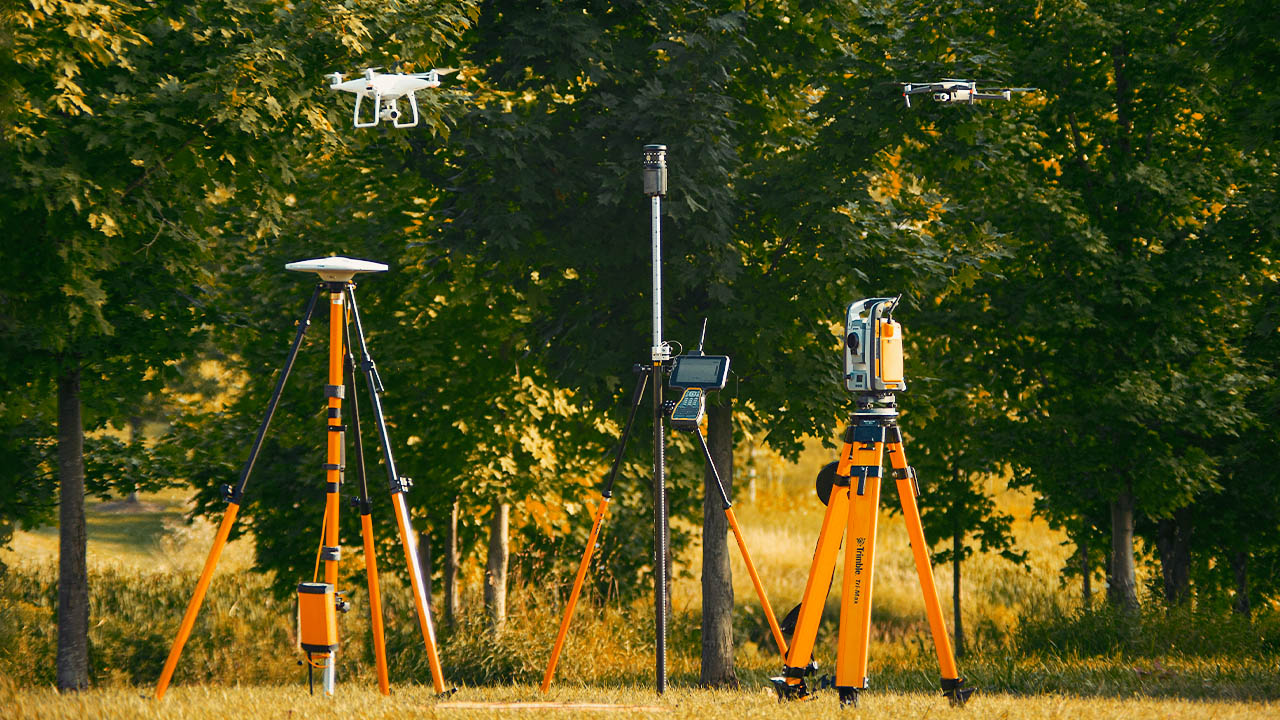
    This introductory drone survey course covers the collection, integration and management of geomatics data with drones. In this course, students will define the process of drone survey, learn the equipment and software available, how to use the basic functions of survey equipment, software. Also understand the cost and profit of building a successful drone survey business.

    COURSE CURRICULUM

    • 01. What is Geomatics
    • 02. Survey with Drones
    • 03. Equipment and Software
    • 04. Building a Drone Survey Business
    • 05. Case Study (Mission Planning, Data Capture and Processing)

    COURSE DURATION

    • Learning Hours: 3 Hours
    • Access Duration: You have 90 Days access to the course after enrollment
    • A 90-Day course extension may be requested for $20. Contact training@altexacademy.com

    DIFFICULTY & PREREQUISITE

    INTRO LEVEL

    TERMS & CONDITIONS


    REFUND
    Refundable with less than 1 hour of learning time on AlteX Academy, within 24 hours of purchase.

    EXCHANGE
    Exchange not applicable for online course.

    HOW
    Contact training@altexacademy.com with your full name, email address, and course name for Refund requests.

    AlteX Academy online courses are cloud based. Videos, Graphics Material or Interactive Material such as glossary and quiz are not available for download. A package of downloadable course files is provided in Course Orientation Module where applicable. Standard computer programs such as Microsoft Word and PDF are required to complete AlteX Courses. Internet speed of 10 Mbps or more is recommended for optimal learning experience. Please allow time for loading course module if your internet speed is less than 10 Mbps. Internet service interruption may disrupt course learning progress

    LOCATION

    AlteX droneHUB  (3800 Lloydtown-Aurora Rd, King, ON L0G 1J0)

    ABOUT ALTEX


    AlteX is a team of drone and training professionals.
    Join thousands professional drone pilots with AlteX!

    More about Team AlteX

    QUESTIONS?


    Contact us if you have more questions about this course. 

  • Drone Real Estate Photography

    Drone Real Estate Photography

    DroneReal Estate Photography

    $ 59


    PREVIEW

    This application focused course covers all knowledge areas of drone photography for Real Estate marketing. After completing this course, students will be able to plan, shoot, edit, and deliver professional Real Estate photography with drones.

    COURSE CURRICULUM

    • 01. Fundamentals of Drone Real Estate Photography
    • 02. Camera Angles and Composition from the Air
    • 03. Lighting and Camera Settings
    • 04. Post-Production Techniques
    • 05. Drone Equipment
    • 06. Planning and Scheduling
    • 07. Course Review 
    • 08. Resources & Practice Material

    COURSE DURATION

    • Learning Hours: 3 Hours
    • Access Duration: You have 90 Days access to the course after enrollment
    • A 90-Day course extension may be requested for $20. Contact training@altexacademy.com

    DIFFICULTY & PREREQUISITE

    INTERMEDIATE LEVEL

    Fundamental camera knowledge and drone operational skills are recommended prior to taking the course.

    TERMS & CONDITIONS


    REFUND
    Refundable with less than 1 hour of learning time on AlteX Academy, within 24 hours of purchase.

    EXCHANGE
    Exchange not applicable for online course.

    HOW
    Contact training@altexacademy.com with your full name, email address, and course name for Refund requests.

    AlteX Academy online courses are cloud based. Videos, Graphics Material or Interactive Material such as glossary and quiz are not available for download. A package of downloadable course files is provided in Course Orientation Module where applicable. Standard computer programs such as Microsoft Word and PDF are required to complete AlteX Courses. Internet speed of 10 Mbps or more is recommended for optimal learning experience. Please allow time for loading course module if your internet speed is less than 10 Mbps. Internet service interruption may disrupt course learning progress

    LOCATION

    AlteX droneHUB  (3800 Lloydtown-Aurora Rd, King, ON L0G 1J0)

    ABOUT ALTEX


    AlteX is a team of drone and training professionals.
    Join thousands professional drone pilots with AlteX!

    More about Team AlteX

    QUESTIONS?


    Contact us if you have more questions about this course. 

  • DJI Phantom 4, Mavic 2 and Parrot Anafi Setup Time

    DJI Phantom 4, Mavic 2 and Parrot Anafi Setup Time

    DJI Phantom 4, Mavic 2
    and Parrot Anafi Setup Time 

    Drone Setup Time for Safe Flights 

    By YIFEI ZHAO

    Pre-Flight Setup for Drones 

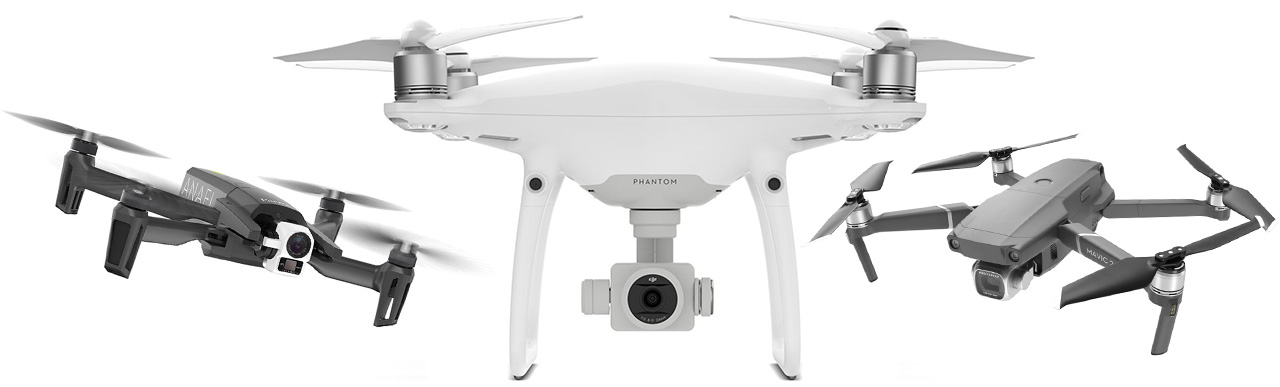
    DJI Phantom 4, Mavic 2 and Parrot Anafi are all popular Ready-to-Fly drones. But that doesn’t mean they can take-off anytime. To carry out safe flights, these drones need to be setup properly pre-flight. Common setup steps include:

    Camera Filter Installation

    Filters help minimize glare and reflections, enhance colors, reduce light coming into the lens and more. ND Filters are especially helpful for drone photography to reduce risks overexposing the shot.

    System Initialization

    Just like starting a computer, drones require time to initialize the flight control system. This ensures all sensors include GPS is working properly prior to take-off.

    Controller Settings Check

    Drone controller settings include geo-fencing such as maximum distance, altitude, and safety features such as return-to-home altitude. Each setting should be checked and adjusted according to location specifics.

    Camera Settings Check

    Shutter speed, aperture and ISO are common camera settings to check for drones. It’s also important to confirm memory card is inserted and has adequate space for recording. While camera settings may need to be adjusted when lighting conditions change in-flight, it’s important to review them before take-off.

    System Status Check

    For DJI drones, system status is displayed on the top of the DJI Go4 control screen. This includes information such as GPS signal, controller signal, remaining battery, flight mode, etc.

    Compass Calibration

    Most pilots calibrate compass for each location even without the system requiring them to do so. Especially for precision survey and other automated flights, compass calibration can help improve data accuracy.


    PARROT Anafi Thermal

    1 of 3


    DJI Phantom 4 PRO V2

    2 of 3


    DJI Mavic 2 PRO

    3 of 3

    Testing Video 

    Drone Setup Time Results 

    DJI Mavic 2 Pro

    4 Mins 45 Secs

    DJI Phantom 4 Pro

    5 Mins 34 Secs

    PARROT Anafi Thermal

    4 Mins 16 Secs  (No filter installation)

    Understanding Drone Setup 

    As popular entry level drones, DJI Phantom 4, Mavic 2 and Parrot Anafi are all marketed by manufactures as smart drones and easy to fly. It’s certainly true that drones today are equipped with intelligent flight features. These features put little requirements on a pilot’s flight skills but shift the focus on understanding and managing drone equipment. For example, geo-fencing can be adjusted based on flight location through Main Controller settings on a DJI drone. Compass calibration is not required by manufacture for each flight but doing so can improve data accuracy for drones used in survey missions. It’s important for a drone pilot to understand the benefits and limitations of a drone. By applying the knowledge in drone setup, the safety, efficiency and effectiveness are greatly improved.

    AlteX provides training courses to help pilots acquire practical drone skills.

    Visit AlteX Courses to learn more.

  • Mavic 2 Pro Parachute Test

    Mavic 2 Pro Parachute Test

    Mavic 2 Pro
    Parachute Test 

    Drone Crash and Failed Deployments 

    By YIFEI ZHAO

    Drone Parachute 

    With the increasing use of drones in urban environment, the risk of drone accidents causing injuries or casualties is always a concern. One possible solution to this is a drone parachute. In 2019, both Federal Aviation Administration and Transport Canada released measures to allow drones meeting industry safety standards to be operated over people.

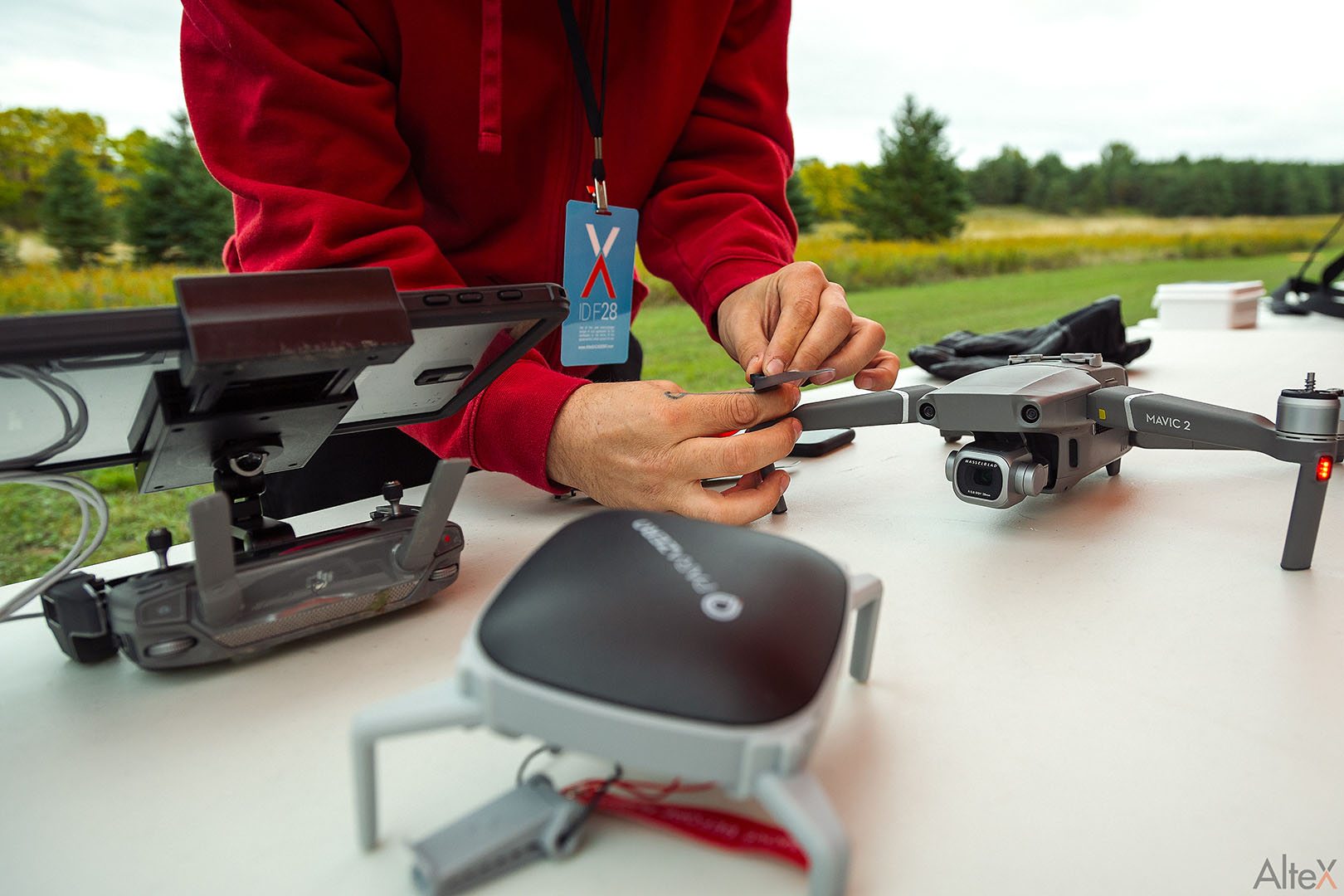
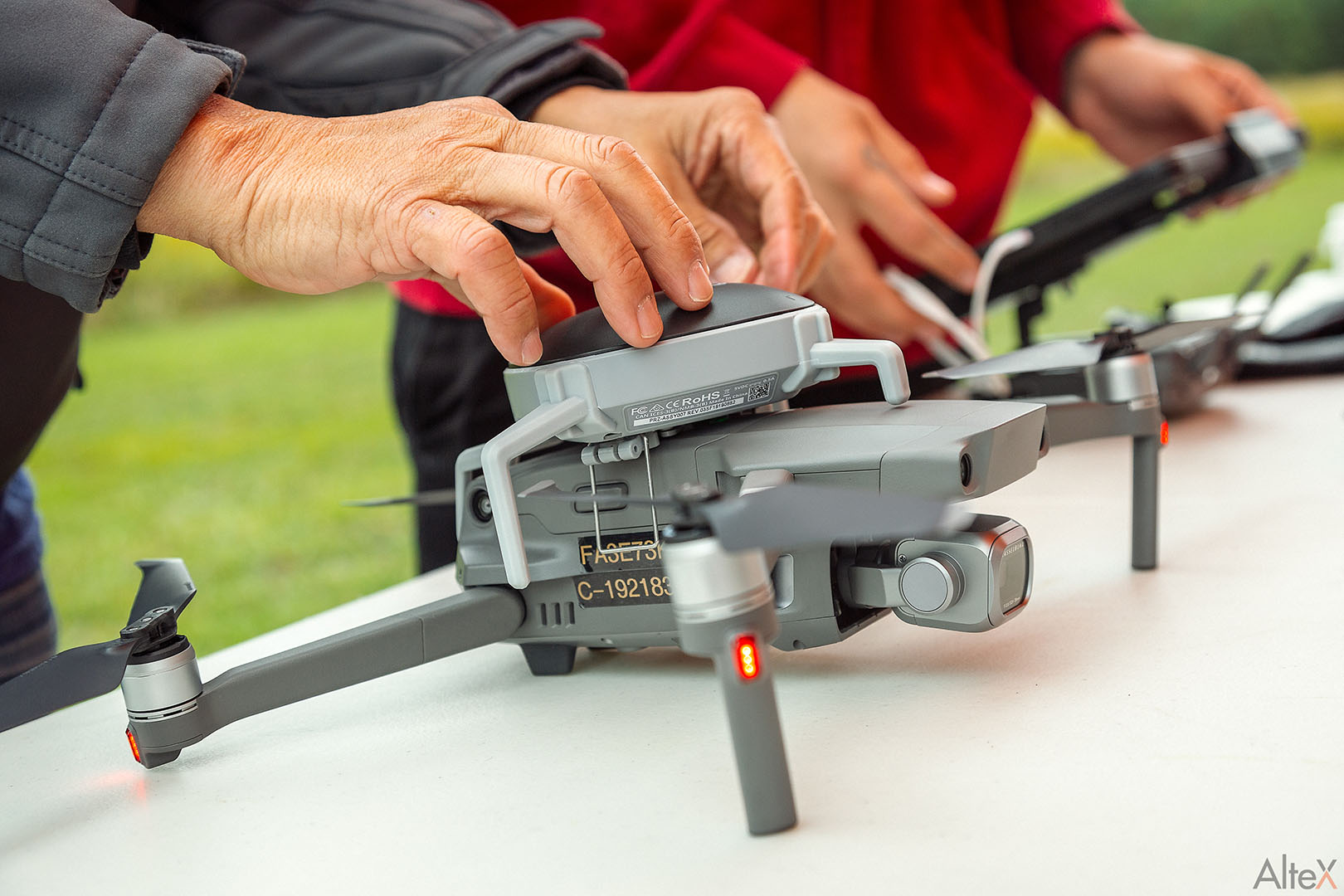
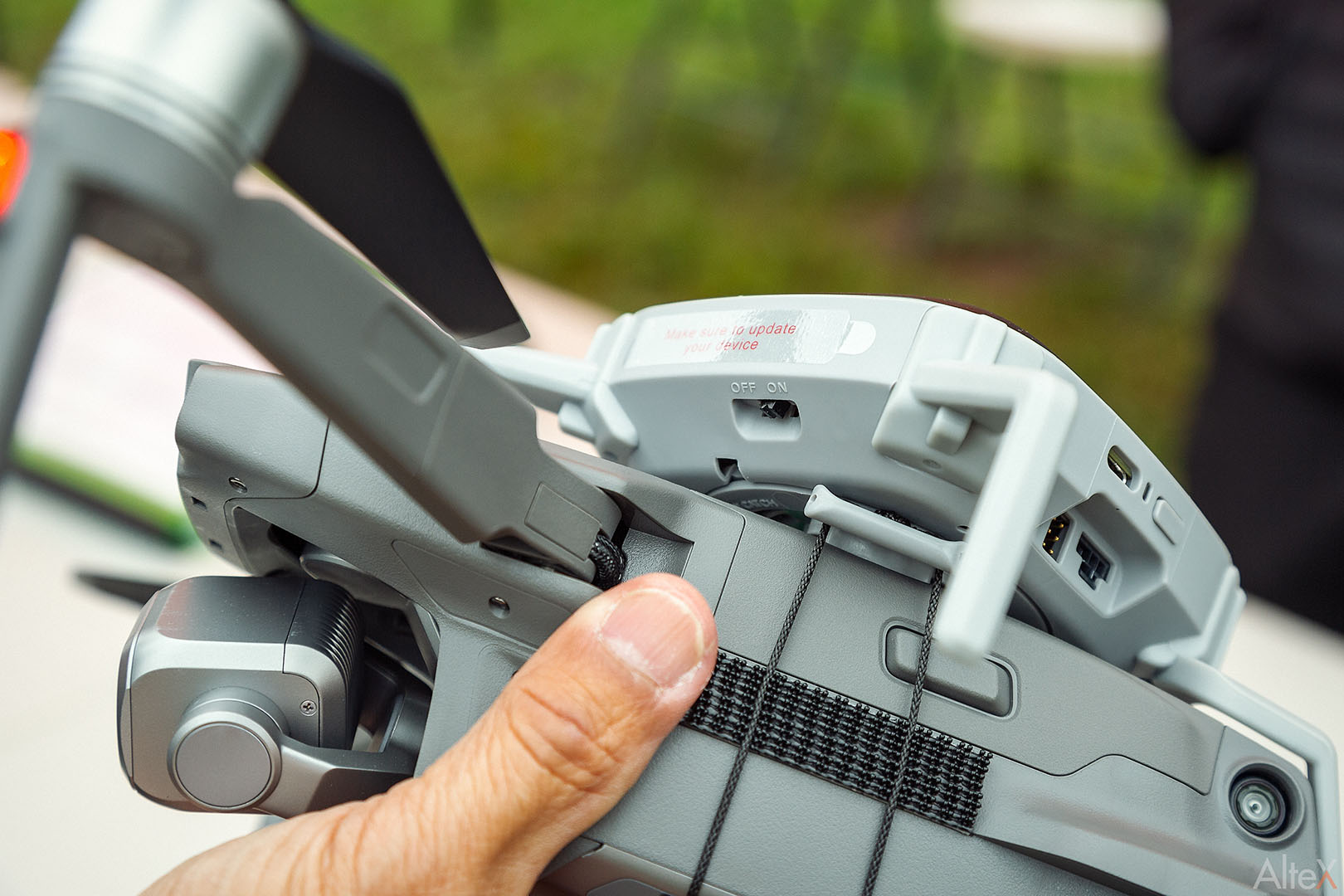
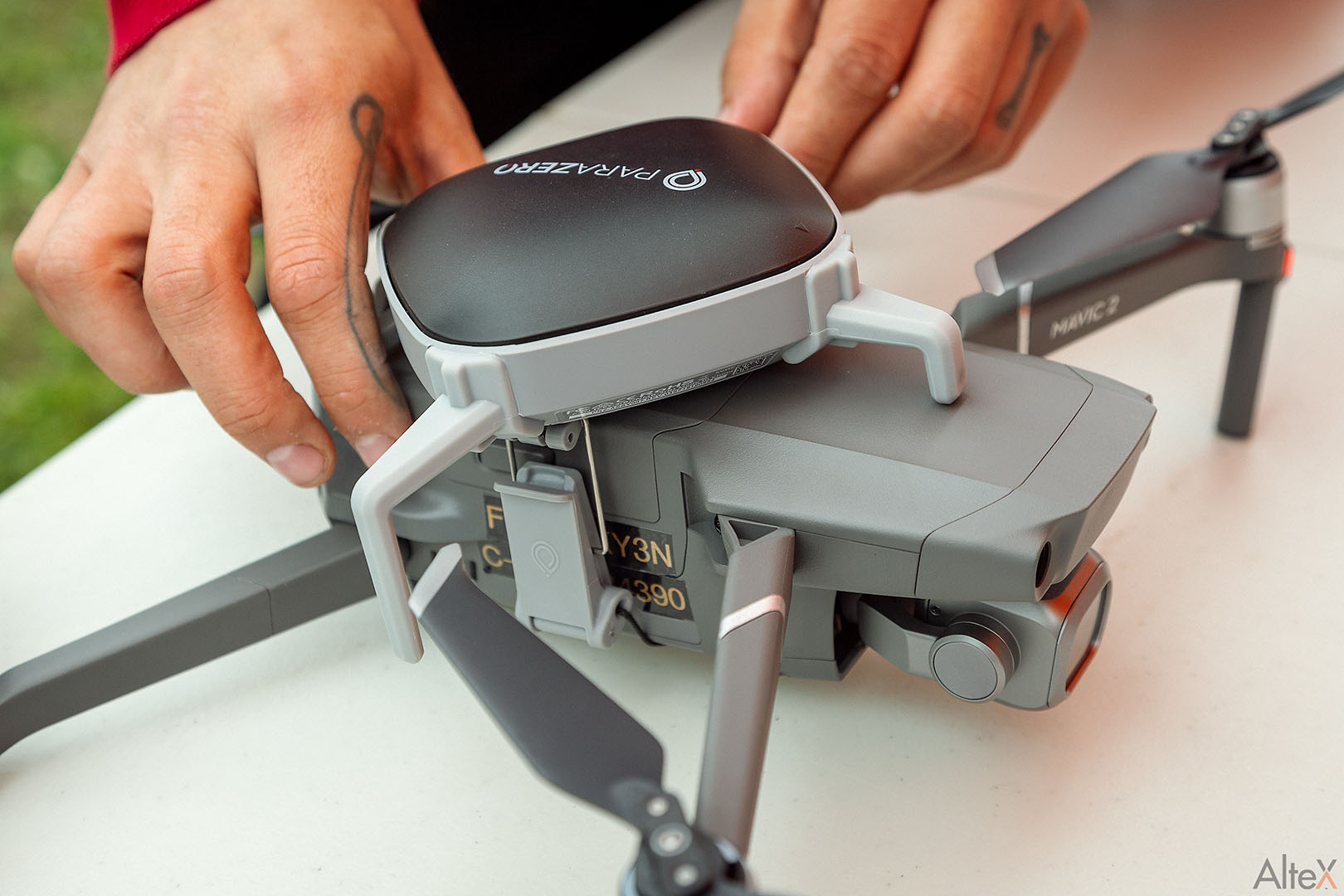
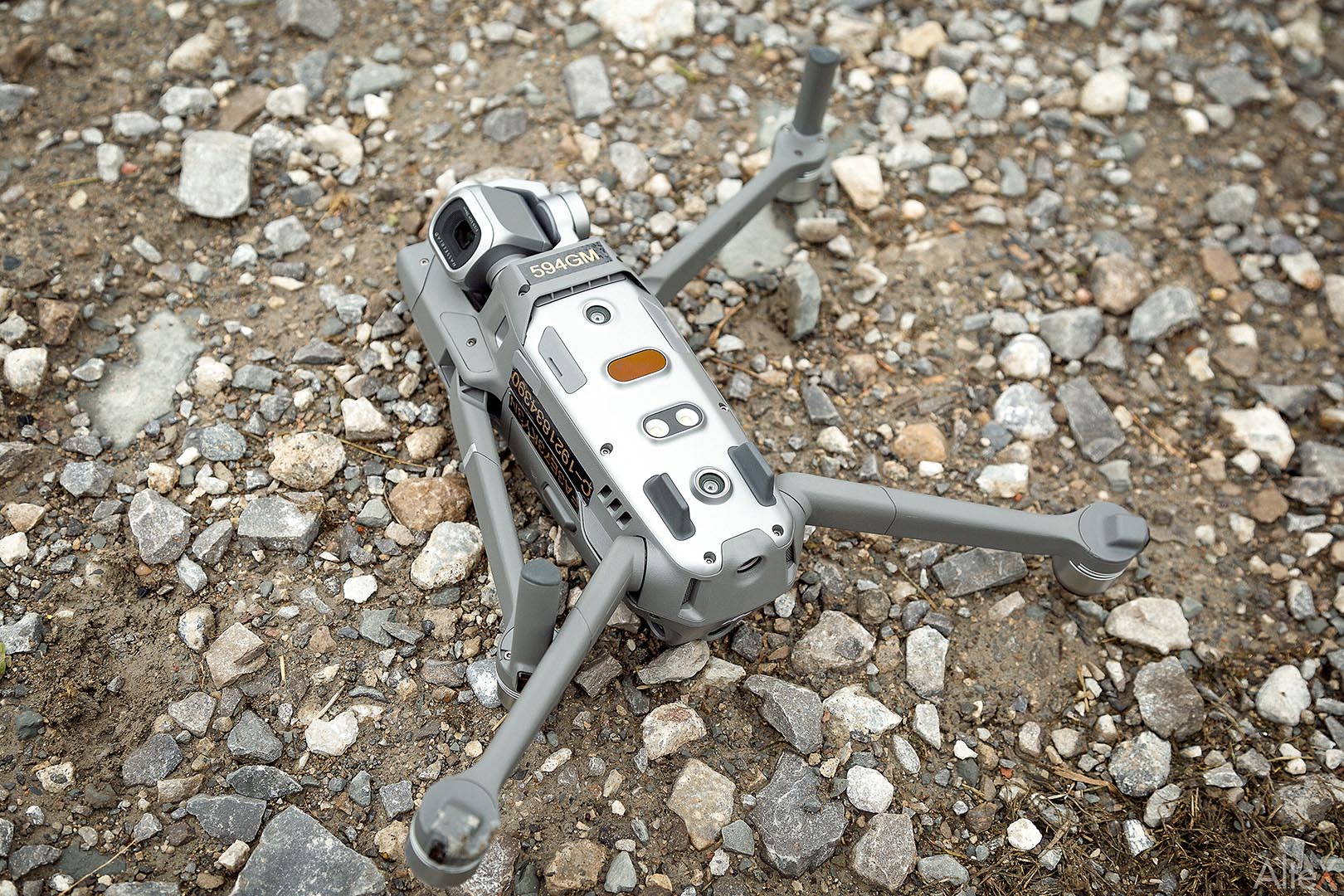
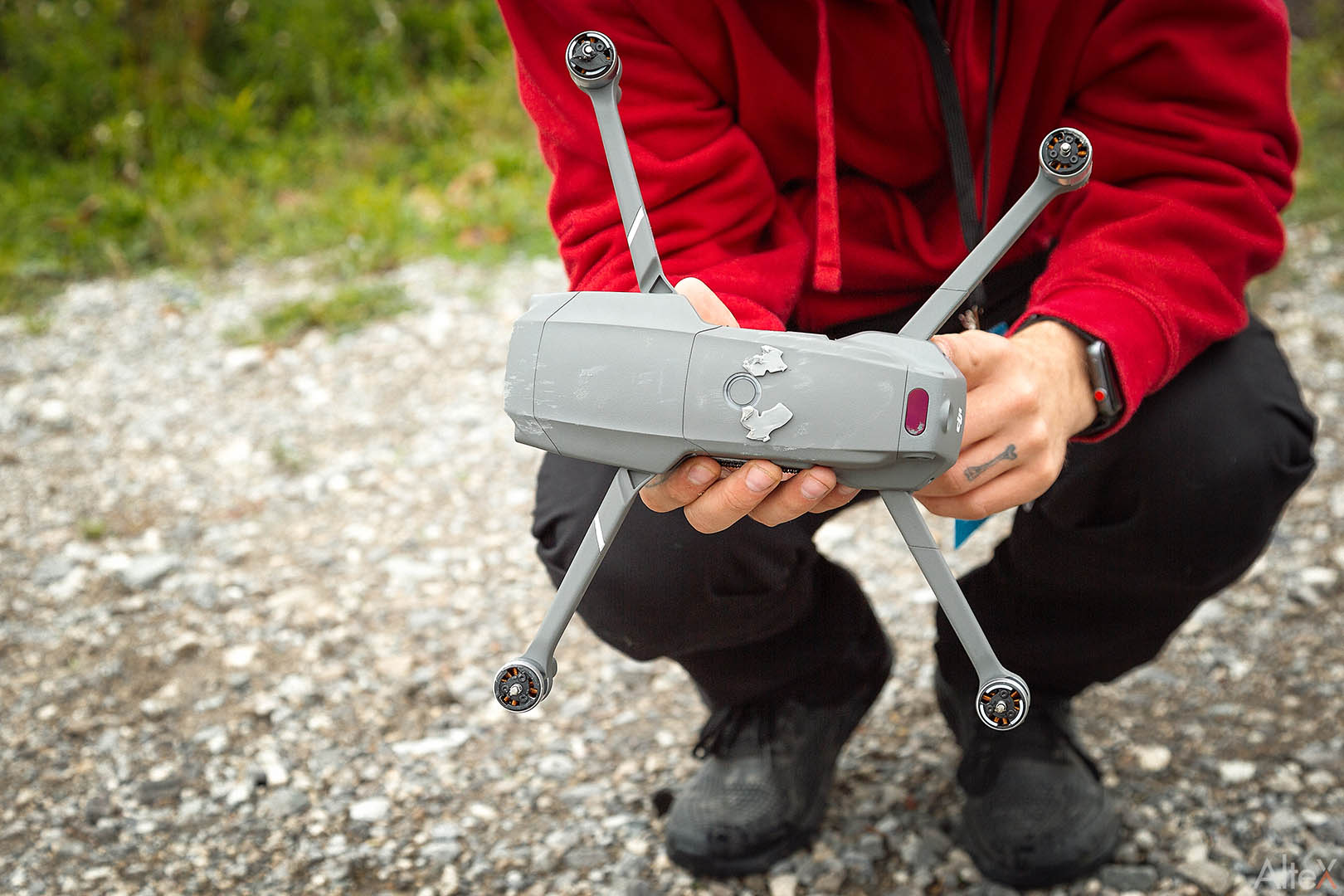
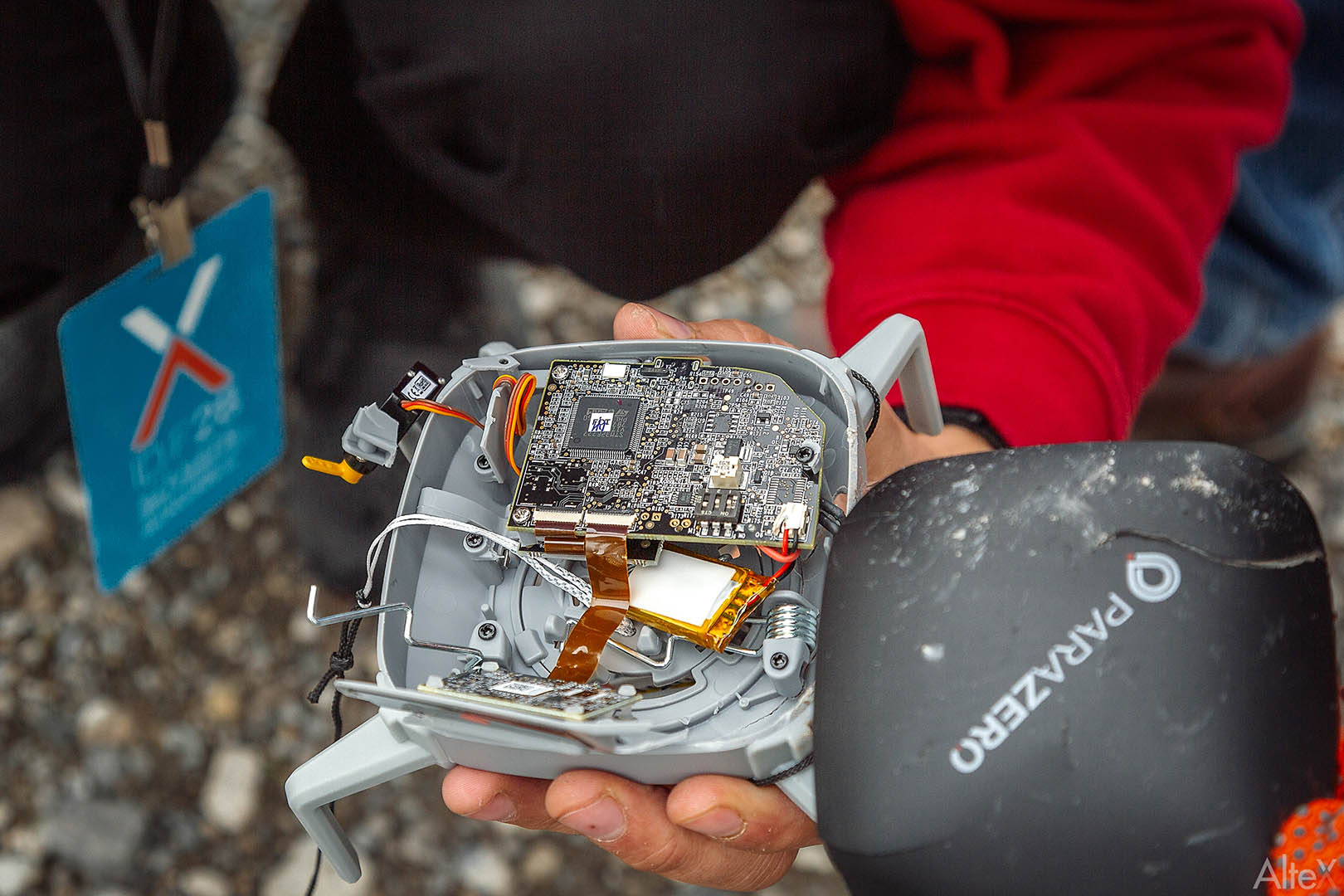
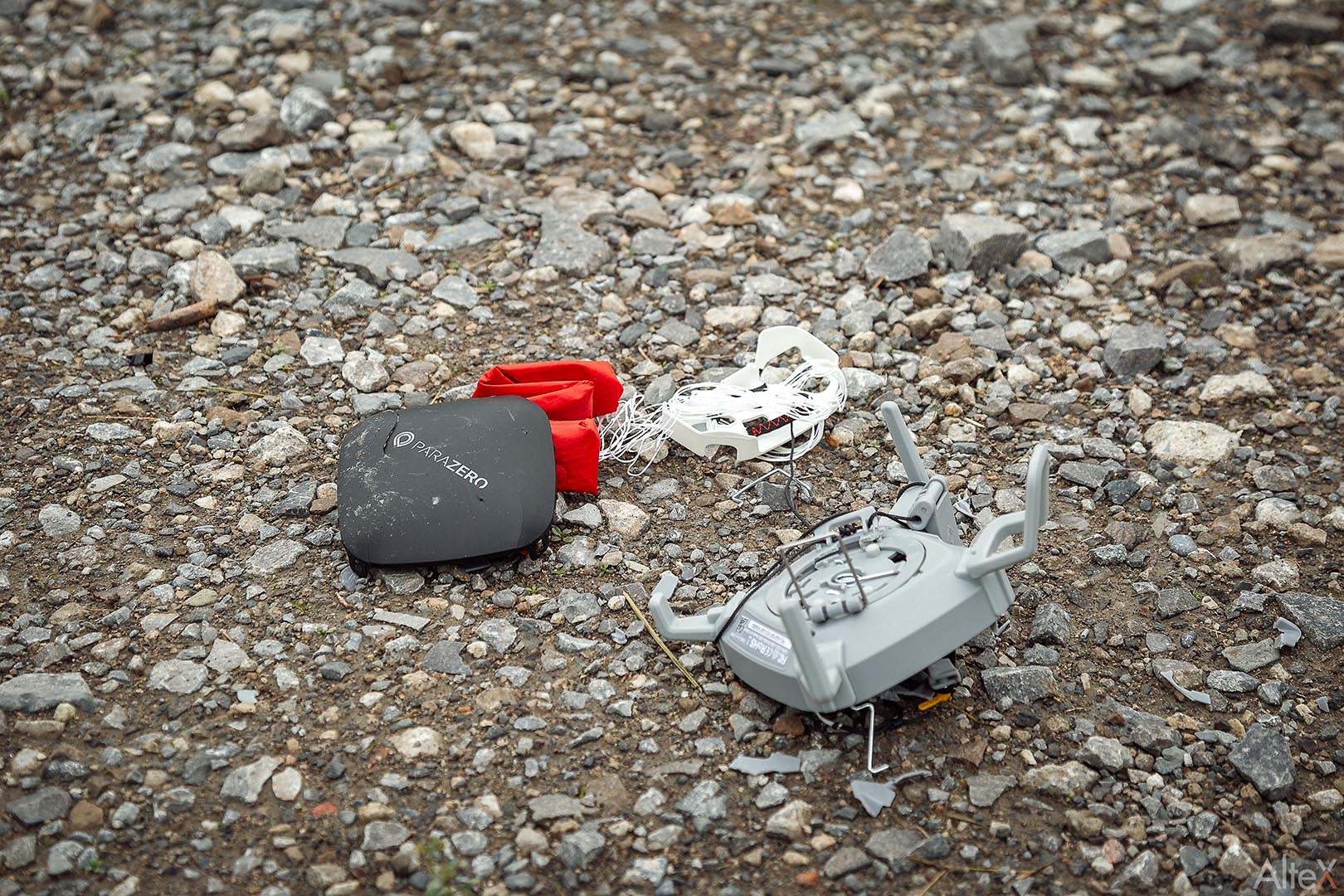
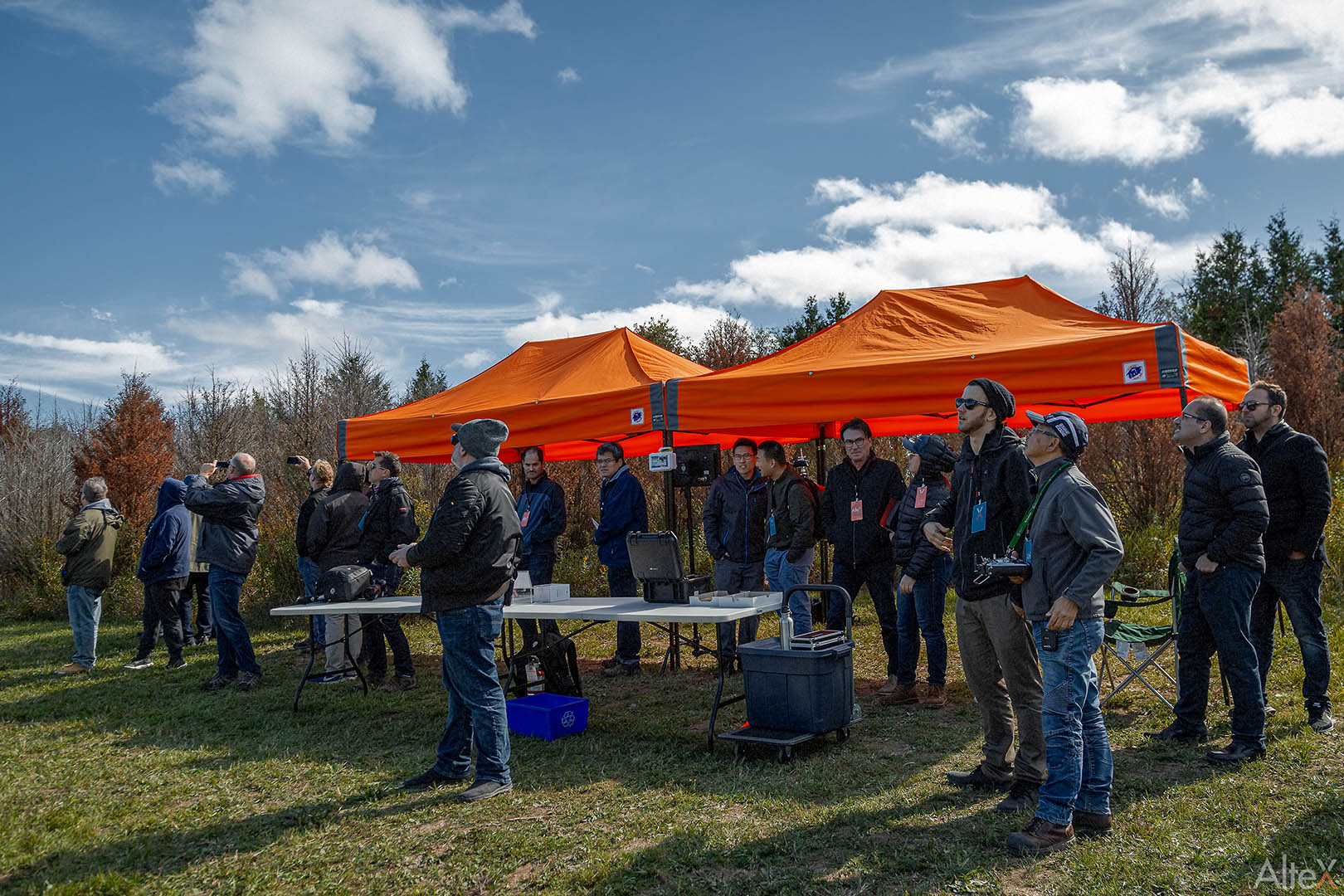
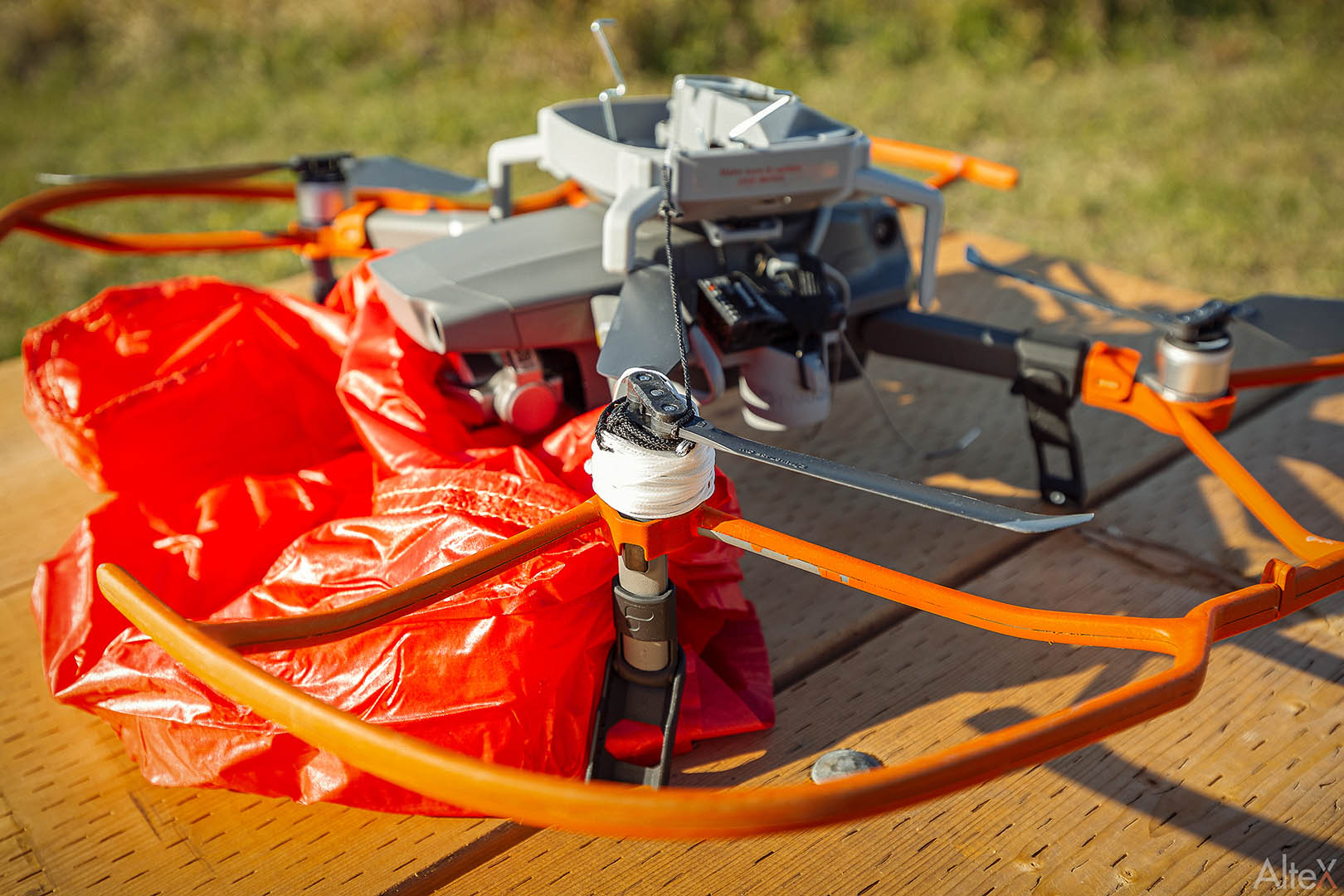
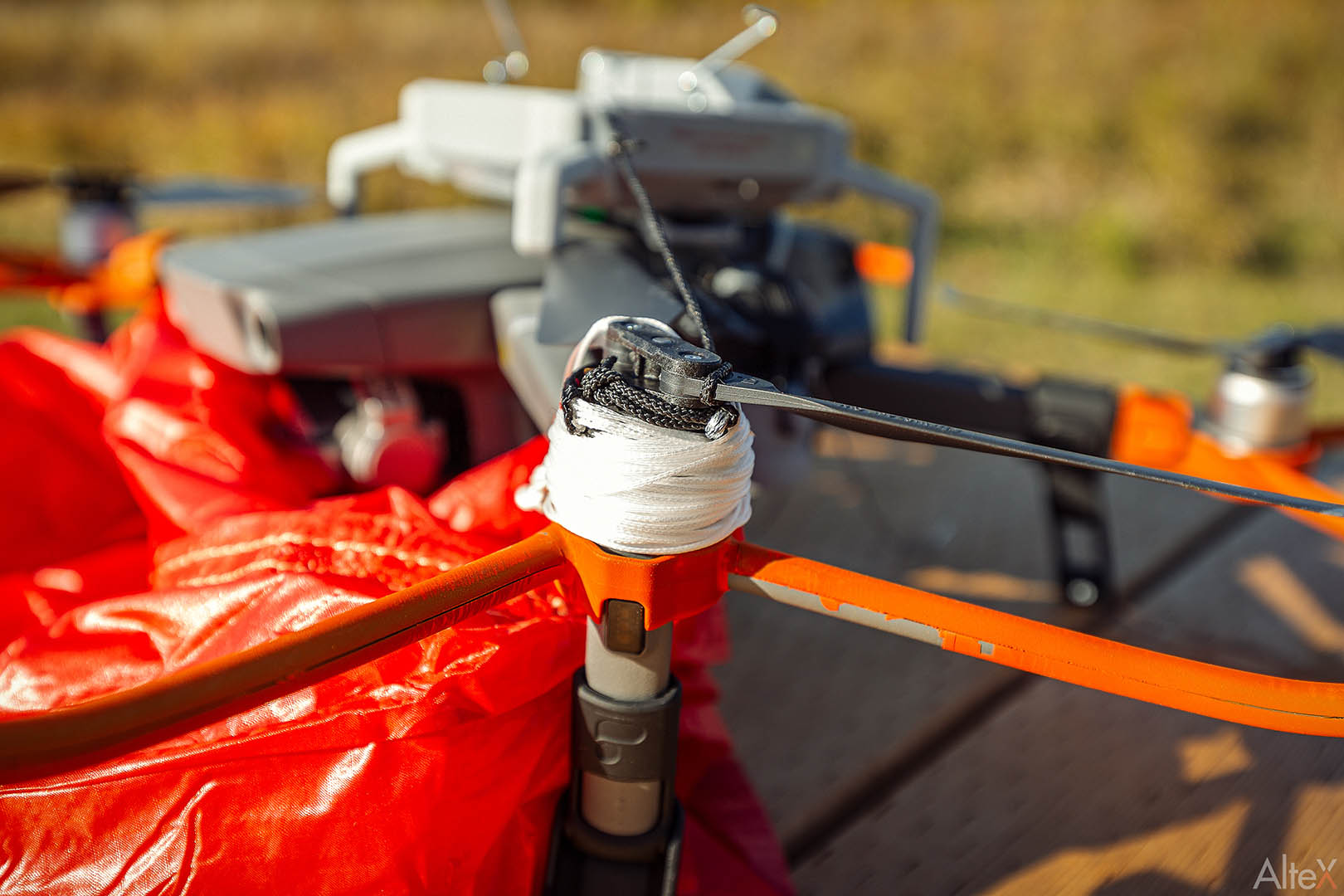
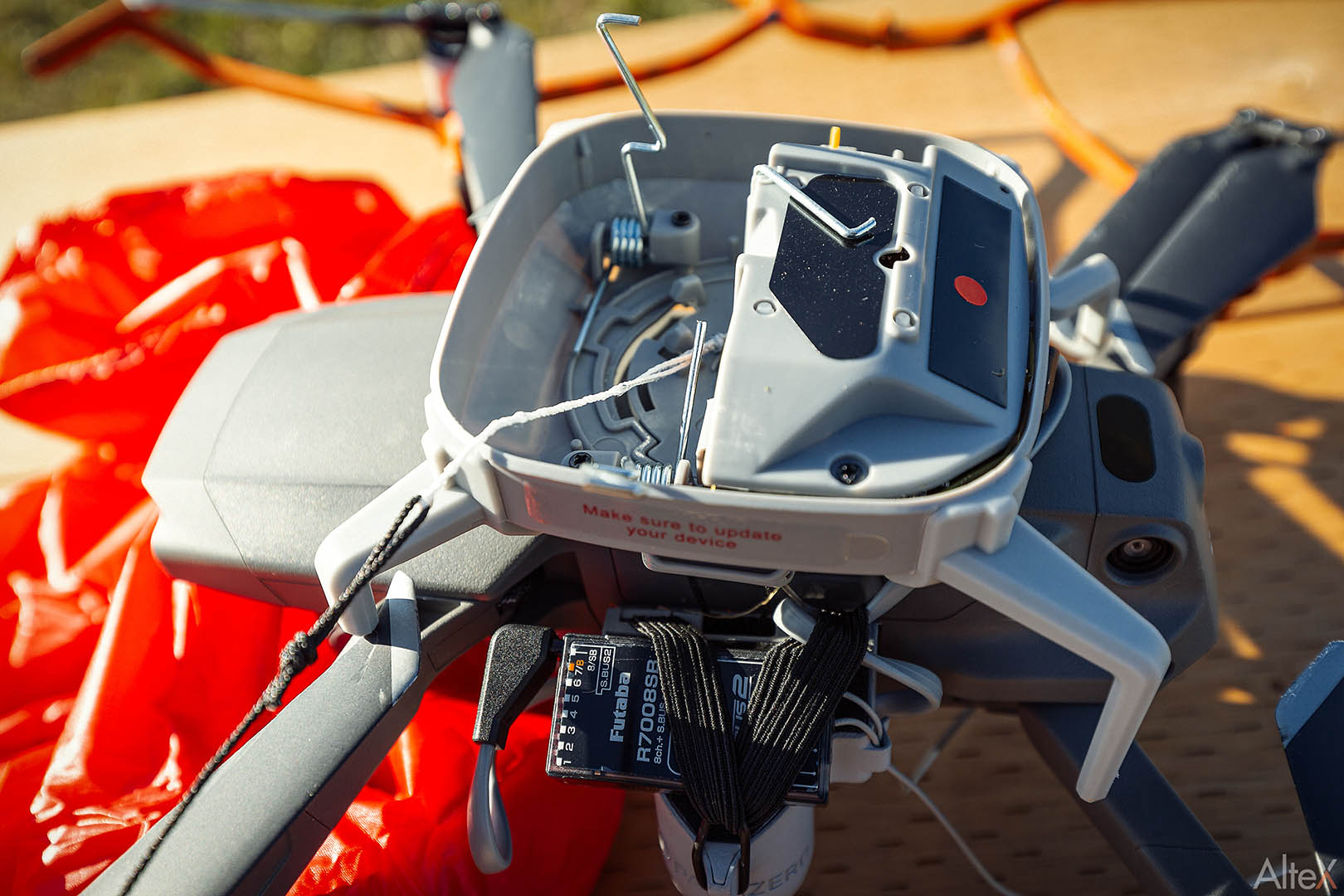
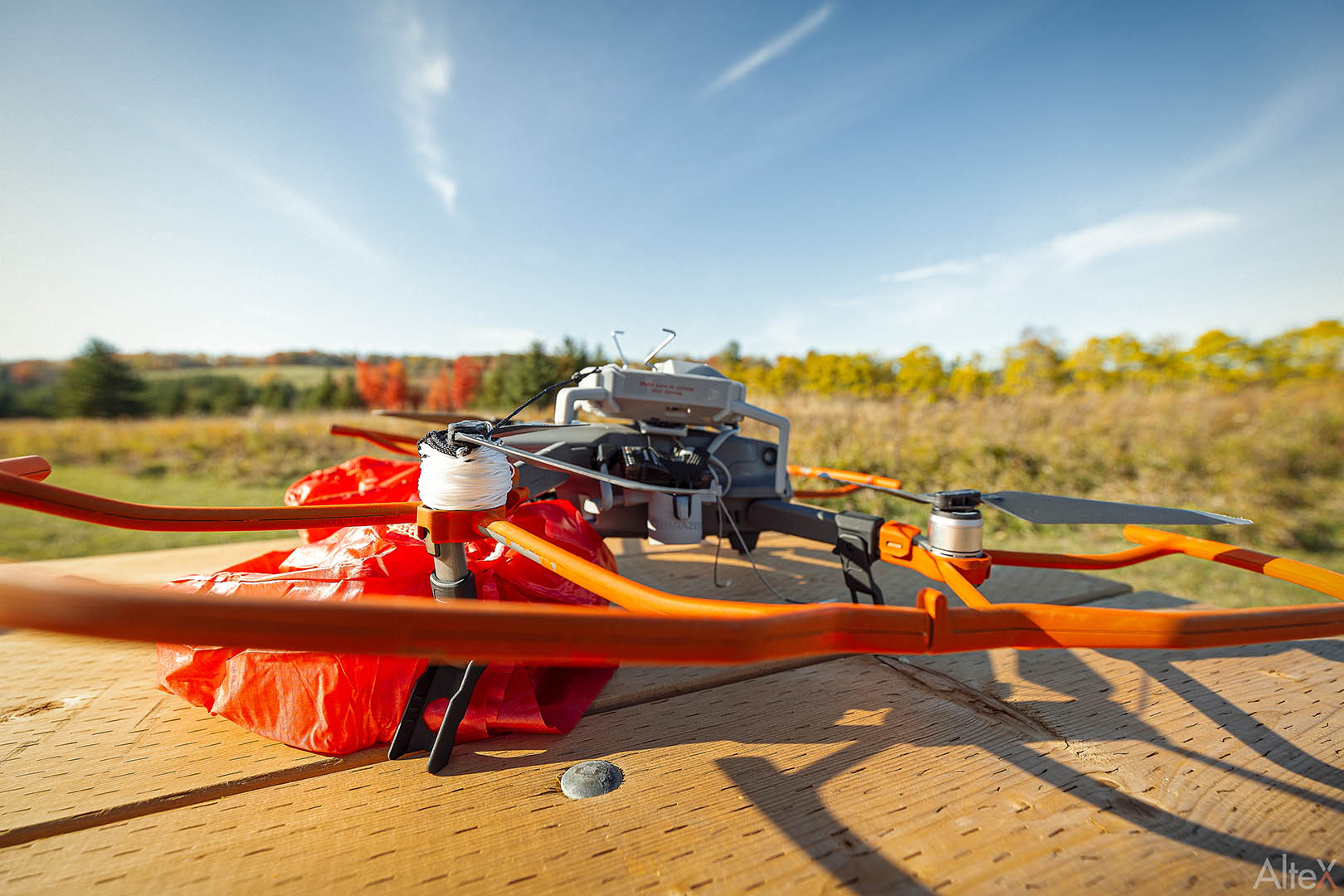
    Many of these drones are the popular DJI models with a parachute from a 3rd party manufacture. However, even with government approval to fly over people, drone parachute is still a new solution with many uncertainties. To better understand how drone parachute works, our test team at AlteX invited Parazero to demonstrate their SafeAir system with DJI Mavic 2 Pro. After 2 drone crashes and 3 failed deployments, we have much to share about drone parachute systems.

    Full Testing Video 

    Mavic 2 Pro Parazero Demo Results 

    AlteX_ACADEMY_AlteX_ParazeroReview_005


    AlteX_ACADEMY_AlteX_ParazeroReview_021


    AlteX_ACADEMY_AlteX_ParazeroReview_020


    AlteX_ACADEMY_AlteX_ParazeroReview_007


    AlteX_ACADEMY_AlteX_ParazeroReview_018


    AlteX_ACADEMY_AlteX_ParazeroReview_017


    AlteX_ACADEMY_AlteX_ParazeroReview_014


    AlteX_ACADEMY_AlteX_ParazeroReview_016


    AlteX_ACADEMY_AlteX_ParazeroReview_013


    AlteX_ACADEMY_AlteX_ParazeroReview_012


    AlteX_ACADEMY_AlteX_ParazeroReview_011


    AlteX_ACADEMY_AlteX_ParazeroReview_006


    AlteX_ACADEMY_AlteX_ParazeroReview_008


    AlteX_ACADEMY_AlteX_ParazeroReview_009


    AlteX_ACADEMY_AlteX_ParazeroReview_010

    The Aftermath 

    The three failed demos with Parazero left 2 crashed Mavic 2 Pros and many unanswered questions.

    What caused the parachute to fail? Is drone parachute really safe? How did FAA and Transport Canada approve parachutes for fly-over people? What other parachute systems are available?

    We brought many of these questions to the manufacture and other industry experts. Our team at AlteX also continue to research and test various drone systems to explore safer and more efficient solutions. Sign Up for our newsletter to receive future updates.

    Did you purchase a drone parachute? Would like to share your experience with us?

    Feel free to contact us at training@altexacdemy.com